

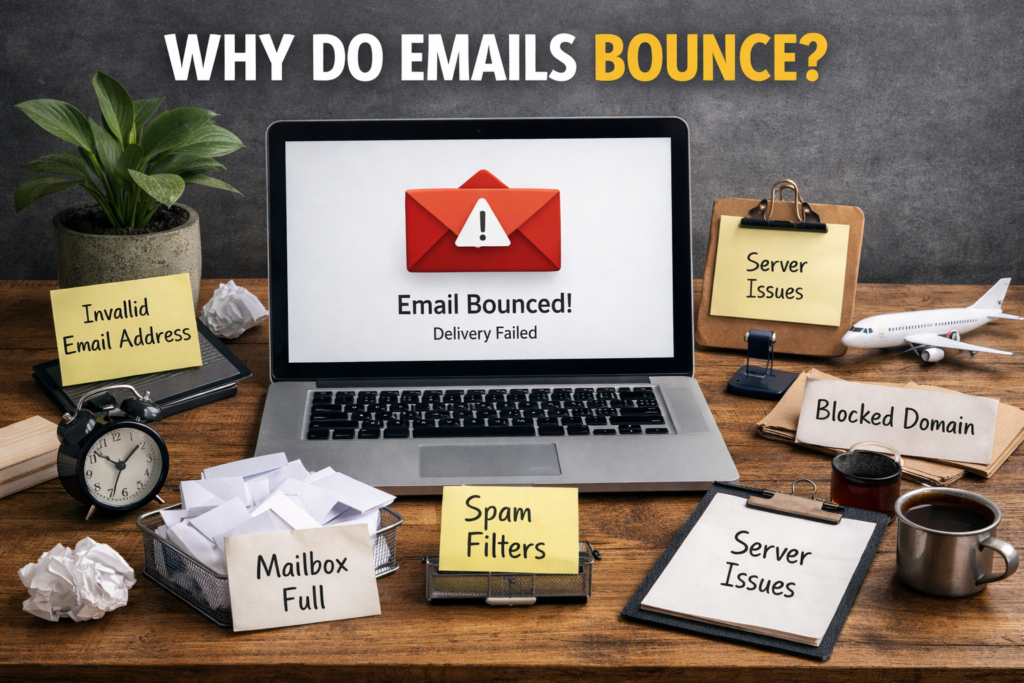
Why Do Emails Bounce? Complete Guide to Email Bounce Causes
Email marketing remains one of the most powerful digital communication channels, but it only works when your emails actually reach the recipient. One of the most common problems marketers face is email bouncing. If you have ever sent an email campaign and noticed that some messages failed to deliver, you have experienced email bounces.
Understanding why emails bounce is essential for improving email deliverability, protecting your sender reputation, and ensuring your messages reach your audience. This guide explains the main causes of email bounces, the different types, and how to prevent them.
What Does It Mean When an Email Bounces?
An email bounce occurs when an email cannot be delivered to the recipient’s inbox. Instead of reaching the intended address, the email server sends it back to the sender with an error message explaining why delivery failed.
Email bounces usually happen because of problems with the recipient’s email address, their mail server, or the sender’s email setup. Monitoring these bounce messages helps identify issues in your email list or email system.
High bounce rates can negatively impact your email marketing performance and may even cause email providers to block your messages.
Types of Email Bounces
Email bounces are generally divided into two main categories.
Hard Bounces
A hard bounce occurs when an email cannot be delivered permanently. This means the email address is invalid or does not exist.
Common reasons for hard bounces include:
- The email address does not exist
- The domain name is invalid
- The recipient server has blocked the sender
- The email address was typed incorrectly
Hard bounces should be removed from your email list immediately because continuing to send emails to invalid addresses can damage your sender reputation.
Soft Bounces
A soft bounce happens when an email delivery fails temporarily. In this case, the email address exists, but the message cannot be delivered at that moment.
Typical reasons for soft bounces include:
- The recipient’s inbox is full
- The email server is temporarily unavailable
- The email message is too large
- Temporary technical issues with the recipient server
Soft bounces usually resolve themselves, and email systems often attempt to resend the message later.
Common Reasons Why Emails Bounce
Understanding the most frequent causes of email bounces can help you improve your email campaigns.
Invalid Email Addresses
One of the most common reasons emails bounce is invalid or fake email addresses. These often appear when users make typos during sign-up or when outdated contacts remain in your email list.
Full Mailbox
If a recipient’s inbox storage is full, new emails cannot be accepted. In this case, the email will bounce until the user frees up space.
Spam Filters Blocking Emails
Email providers use strict spam filtering systems. If your email appears suspicious, the receiving server may reject it entirely, resulting in a bounce.
This often happens when emails contain too many promotional links, misleading subject lines, or poor sender reputation.
Incorrect Domain Name
If the domain in an email address does not exist or is written incorrectly, the server cannot find the recipient. This results in a permanent hard bounce.
Server Problems
Sometimes the issue is not related to the sender or recipient. Temporary server outages or technical issues can prevent emails from being delivered.
Blocked Sender Address
If a domain or IP address has a poor reputation due to spam complaints or high bounce rates, receiving servers may block it. This leads to repeated email bounces.
Why High Bounce Rates Are Dangerous
A high email bounce rate can harm your email marketing strategy in several ways.
Email providers track bounce rates to determine sender quality. If too many emails bounce, your domain may be flagged as suspicious.
This can lead to:
- Lower email deliverability
- Emails going to spam folders
- Temporary or permanent domain blocking
- Reduced campaign performance
Maintaining a clean and verified email list is essential to avoid these problems.
How to Reduce Email Bounce Rates
Reducing bounce rates requires consistent email list management and proper email practices.
Use Email Verification Tools
Email verification tools help identify invalid, risky, or temporary email addresses before sending campaigns. This keeps your list clean and improves deliverability.
Clean Your Email List Regularly
Removing inactive subscribers, invalid emails, and duplicate addresses reduces bounce rates and improves campaign results.
Use Double Opt-In
Double opt-in requires subscribers to confirm their email address after signing up. This ensures that only valid and active email addresses enter your list.
Avoid Buying Email Lists
Purchased email lists often contain outdated or fake email addresses. Sending emails to these lists increases bounce rates and spam complaints.
Authenticate Your Domain
Setting up proper email authentication such as SPF, DKIM, and DMARC helps verify that your emails are legitimate and improves trust with email servers.
How to Monitor Email Bounce Rates
Most email marketing platforms provide bounce rate reports. Monitoring these reports helps identify patterns and issues within your email campaigns.
A healthy email bounce rate is generally considered to be below 2%. If your bounce rate exceeds this level, it may indicate problems with your email list quality.
Tracking bounce data allows marketers to take action before deliverability problems become serious.
Final Thoughts
Understanding why emails bounce is essential for anyone using email marketing. Bounces usually occur because of invalid email addresses, full inboxes, server issues, or spam filtering systems.
By maintaining a clean email list, verifying email addresses, and following proper email practices, you can significantly reduce bounce rates and improve deliverability.
When your emails reach the right inboxes consistently, your campaigns perform better, your engagement increases, and your email marketing strategy becomes far more effective.
Ready to clean your list? Download TsEmailValidator.exe — Free (200 emails) or Lifetime for $43 (pay once, unlimited forever). Support: support@timesolutionz.com.